Set up your AI
Toby uses an LLM for chat, summarization, and organization. You need at least one AI provider configured before chatting.
Recommended for new installs: Vercel AI Gateway. One free Vercel account and one API key unlock multi-model chat plus Toby web search and transcription catalogs.
Toby also supports:
- OpenAI (direct) — a single OpenAI API key; models like
gpt-5-mini - Chutes — open-source TEE-backed models (DeepSeek, Qwen, GLM, Kimi) via Chutes' OpenAI-compatible endpoint
- OpenRouter — hundreds of models from many vendors through a single OpenRouter API key
- Ollama — run open-source models locally on your machine (no API key needed)
You only need one provider to start. See the AI providers overview for help choosing.
Recommended: guided setup
- On Home, open the onboarding checklist and click Connect on Configure AI provider.
- Choose a path:
- Vercel AI Gateway (recommended) — multi-model chat, free credits, plus Toby web search and transcription catalogs
- OpenRouter — hundreds of models through one key
- Follow the in-app wizard (signup / create key deep links, paste, Validate & connect).
- Toby validates the key, saves it securely, and sets the built-in Toby persona:
- Vercel →
vercel/openai/gpt-5-mini - OpenRouter →
openrouter/openai/gpt-5.6-luna
- Vercel →
You can also start guided setup from Settings → AI → [provider] → Guided setup.
New Vercel teams receive free AI Gateway credits (a subset of models). See Vercel AI Gateway pricing.
Other providers: Settings
Open Toby.app → Settings. The Settings window has sections for AI, personas, integrations, and more.
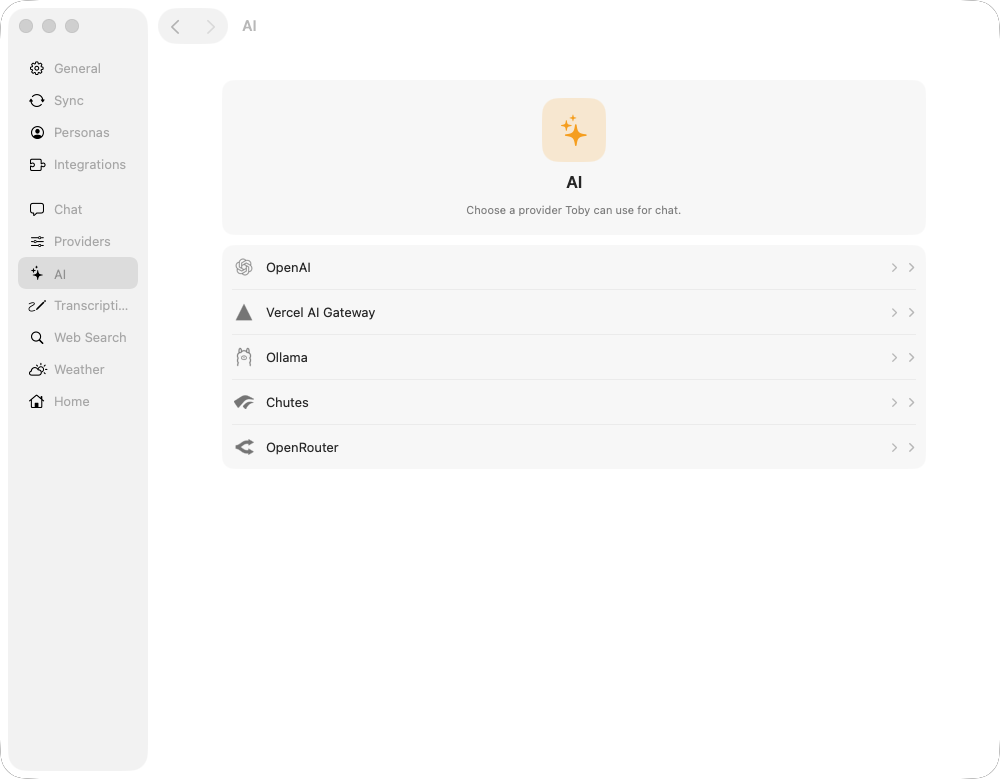
Open AI. The catalog lists OpenAI, Vercel AI Gateway, Ollama, Chutes, and OpenRouter. Click a provider to slide to its settings.
OpenAI (direct)
Click OpenAI under AI. Paste your OpenAI API key into the API Token field.
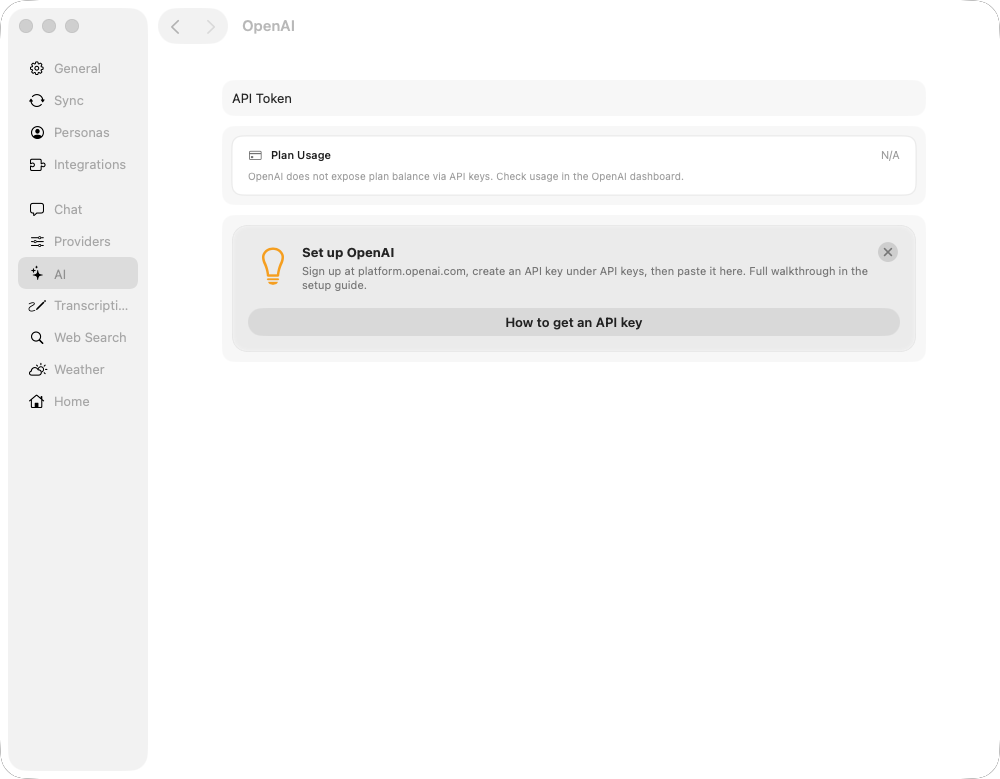
Get an API key from platform.openai.com — open API keys under your organization settings and create a new secret key. Toby stores it in ~/.toby/credentials.json on your Mac.
For recommended models, see OpenAI (direct).
Vercel AI Gateway (manual)
If you prefer not to use the wizard, click Vercel AI Gateway under AI and paste your key into API Key, or use Guided setup on that page.
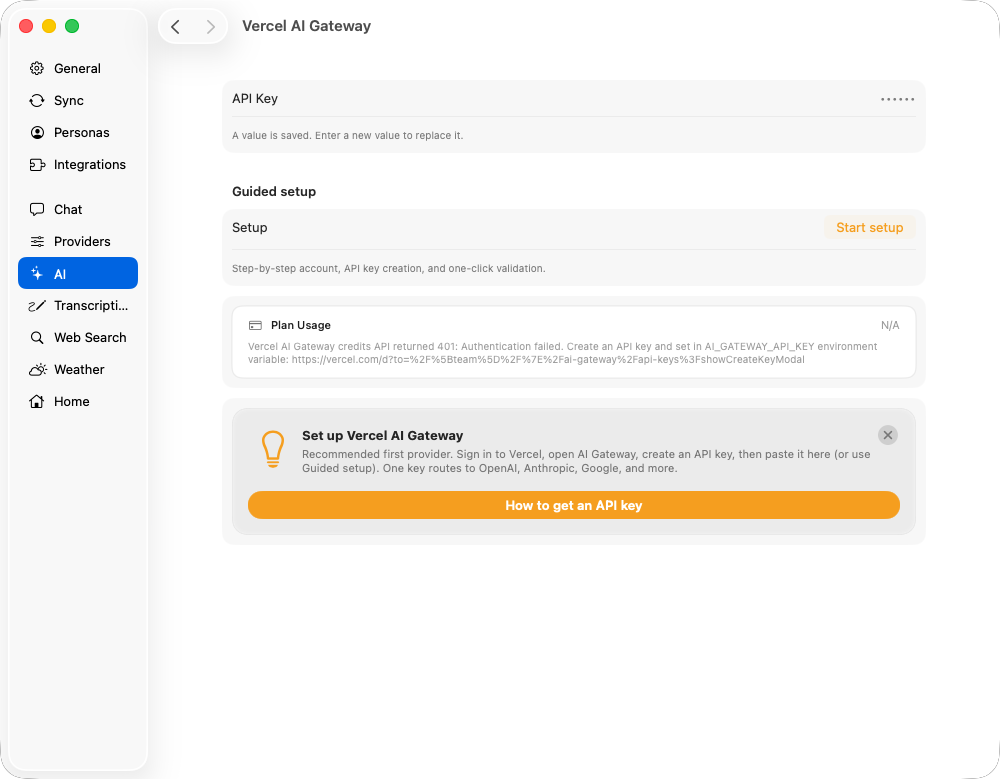
See Vercel AI Gateway for deep links, OIDC, and recommended models.
Chutes
Click Chutes under AI in the Settings tree. Paste your Chutes API key into the API Key field.
Get an API key from chutes.ai — open Auth → Start to create a key (starts with cpk_).
For recommended models, see Chutes. The model list is fetched live from Chutes' public catalog, so you can browse models even before adding an API key.
OpenRouter
Click OpenRouter under AI in the Settings tree. Paste your OpenRouter API key into the API Key field.
Get an API key from openrouter.ai/keys.
For recommended models, see OpenRouter. The model list is fetched live from OpenRouter's public catalog, so you can browse models even before adding an API key.
Choose a persona and model
Each persona can use its own AI provider and model. Guided Vercel setup points the built-in Toby persona at vercel / openai/gpt-5-mini. Without that wizard, the built-in default is OpenAI (openai / gpt-5-mini) until you change it.
To change the provider or model, open Settings → Personas and pick AI Provider and Model from the dropdowns:
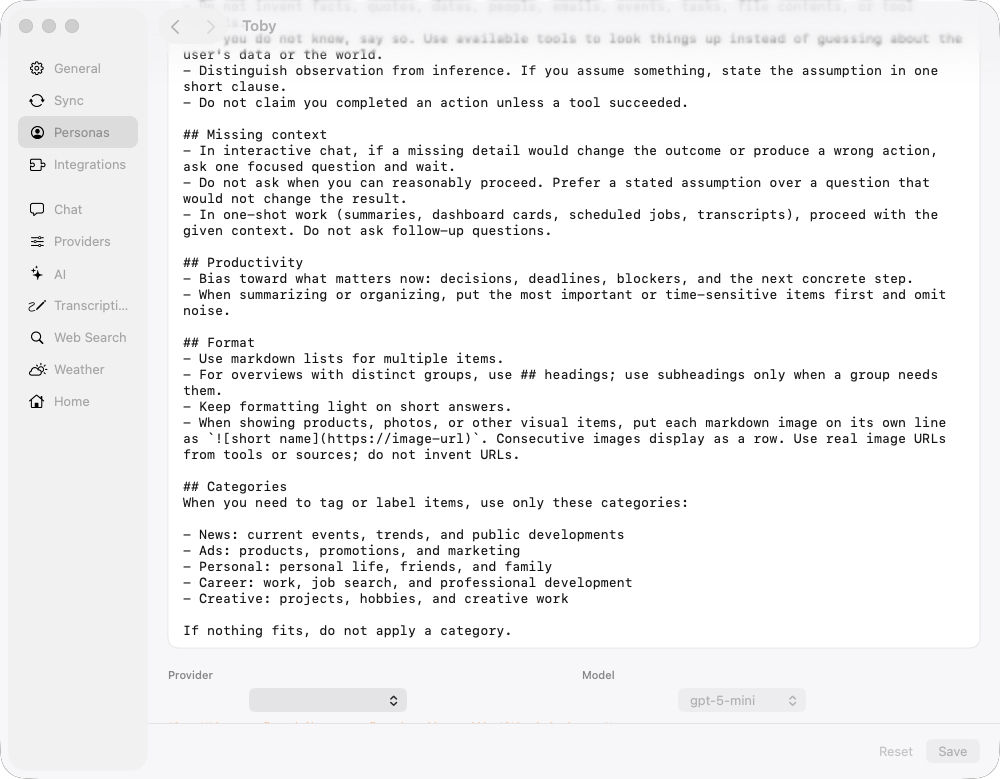
You can create additional personas with different providers or models — for example, a fast model for triage and a larger one for drafting. See Personas for details.
Default providers (optional)
In the same Settings window, click Default Providers to pick which connected integration Toby prefers for each category when you do not specify one:
| Category | Example integrations |
|---|---|
| Calendar | Apple Calendar |
| Tasks | Todoist |
| Chat | Slack |
| Contacts | Apple Contacts |
| Documents | Notion |
| Work Tracker | Jira |
| News | News |
These defaults help schedules and multi-integration chat pick the right tools. Full detail: Default providers.
Next steps
- Configure and connect integrations
- Configuration — web search, inbound chat, transcription, and more
- Your first chat